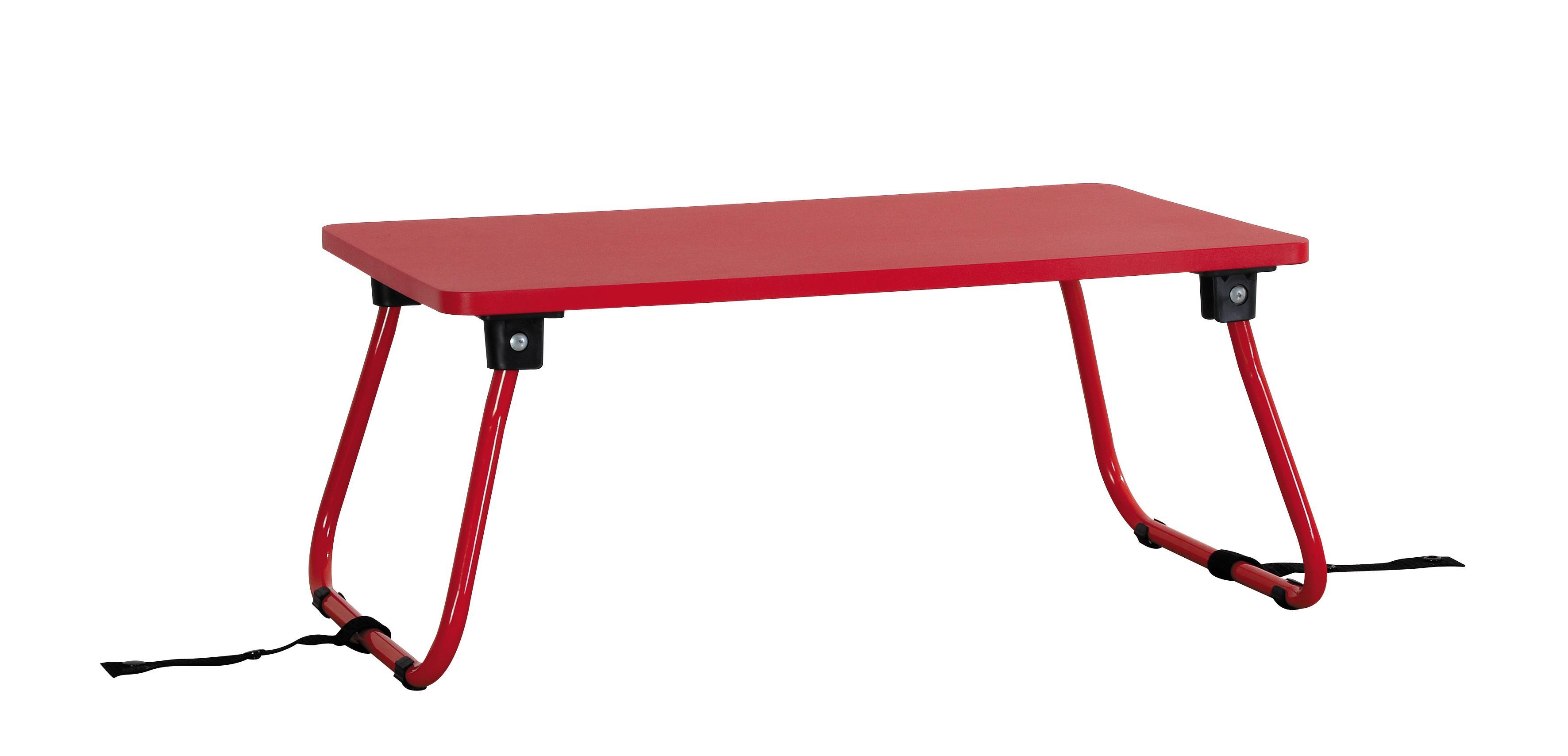

How to Organize Your Workspace with a Functional Computer Desk
News
Apr 18,2026
How to Organize Your Workspace with a Functional Computer Desk
Table of Contents
- Understanding the Importance of Organization in the Workspace
- Choosing the Right Computer Desk for Your Needs
- Essential Organizational Tools and Accessories
- Creating an Ergonomic Workstation
- Decluttering Your Desk Space
- Tech and Cable Management Solutions
- Personalizing Your Workspace for Inspiration
- Maintaining an Organized Desk: Routine Tips
- Frequently Asked Questions
Understanding the Importance of Organization in the Workspace
A well-organized workspace is crucial for productivity and creativity. When your environment is cluttered, distractions arise, and focus diminishes. An organized computer desk creates a conducive atmosphere for work, allowing one to concentrate on tasks without the visual chaos that a disordered space can create. By implementing effective organization strategies, we can not only enhance our efficiency but also improve our overall well-being.
Choosing the Right Computer Desk for Your Needs
Selecting the right computer desk is a foundational step in organizing your workspace. A desk should fit your specific needs and available space while accommodating the necessary technology and tools. Here are some factors to consider:
Ergonomics
An ergonomic computer desk promotes comfort and reduces the risk of injury. Look for desks that allow for height adjustments and have enough surface area for your computer, monitor, and additional accessories.
Size and Space
Consider the dimensions of your workspace. Measure the available area to ensure that your desk fits comfortably without overwhelming the room. A too-large desk can make a space feel cramped, while a too-small desk may not provide adequate workspace.
Storage Options
Choose desks that offer built-in storage solutions, such as drawers or shelves. This will help keep frequently used items within reach while maintaining a clean surface for work.
Essential Organizational Tools and Accessories
To create a functional workspace, various organizational tools and accessories can be employed:
Desk Organizers
Desk organizers are essential for keeping small items like pens, paper clips, and sticky notes in their place. Look for multi-compartment organizers that can hold various items while taking up minimal space.
File Storage Solutions
Implementing a filing system is vital for managing paperwork. Use vertical file organizers or cabinets to keep documents tidy and accessible. Consider color-coding files for quicker retrieval.
Cable Management Solutions
Cables can quickly become a tangled mess. Use cable clips, sleeves, or boxes to keep wires organized and out of sight. This not only improves aesthetics but also prevents tripping hazards.
Creating an Ergonomic Workstation
An ergonomic workstation enhances posture and reduces strain, contributing to productivity. Here are some tips for creating an ergonomic setup:
Monitor Placement
Position the monitor at eye level, approximately an arm’s length away, to avoid neck strain. If using multiple monitors, ensure they are aligned to minimize head movement.
Chair Selection
Invest in a comfortable, adjustable office chair that supports your lower back. The chair should allow your feet to rest flat on the ground, promoting proper posture.
Keyboard and Mouse Position
Place the keyboard and mouse within easy reach, keeping elbows close to the body and at a 90-degree angle. Consider using a wrist rest for added comfort.
Decluttering Your Desk Space
A clutter-free desk is essential for focus and productivity. Here are strategies for maintaining a tidy workspace:
Daily Tidying Routine
Set aside a few minutes each day to declutter your desk. Remove unnecessary items and return everything to its designated spot after use.
Limit Personal Items
While personal items can make a workspace feel inviting, too many can create distractions. Limit personal decor to a few items that inspire you without overwhelming the space.
Use a Minimalist Approach
Adopt a minimalist approach by keeping only essential items on your desk. This not only creates a cleaner environment but also fosters creativity by reducing distractions.
Tech and Cable Management Solutions
In today’s digital age, managing technology efficiently is crucial. Here are several strategies for effective tech and cable management:
Wireless Technology
Where possible, choose wireless devices to reduce cable clutter. Wireless keyboards, mice, and printers can simplify your setup and create a cleaner aesthetic.
Cable Trays and Boxes
Install cable trays underneath your desk to keep cords hidden and organized. Cable boxes can also be used to conceal power strips and excess cables while keeping them accessible.
Labeling Cables
Labeling cables can save time when troubleshooting or rearranging your workspace. Use simple tags or colored tape to identify various cables easily.
Personalizing Your Workspace for Inspiration
A personalized workspace can enhance motivation and creativity. Here are ways to inject your personality into your environment:
Inspiring Decor
Incorporate decor that inspires you, such as artwork, plants, or vision boards. Create a space that reflects your style while remaining conducive to productivity.
Color Schemes
Choose a color scheme that resonates with your personality and enhances your mood. Soft colors may promote calmness, while vibrant colors can energize you.
Incorporate Functional Decor
Consider decor that serves a purpose. Use a decorative bulletin board for reminders or a stylish clock that helps keep you on schedule.
Maintaining an Organized Desk: Routine Tips
Once your workspace is organized, it’s essential to maintain that order. Here are some routine tips to help:
Weekly Clean-Up
Set aside time each week for a thorough desk clean-up. Dust surfaces, reorganize items, and assess any papers that need filing or shredding.
Regularly Evaluate Your Setup
Periodically evaluate your desk setup to ensure it continues to meet your needs. Adjust the layout or replace items as necessary to support your workflow.
Stay Disciplined
Stay disciplined about returning items to their designated places after each use. This proactive approach can significantly reduce clutter over time.
Frequently Asked Questions
1. How often should I declutter my computer desk?
We recommend decluttering your desk daily to maintain order, with a thorough clean-up weekly.
2. What ergonomic features should I look for in a computer desk?
Look for adjustable height, ample workspace, and a design that supports good posture.
3. How can I effectively manage cables on my desk?
Consider using cable trays, boxes, and clips to keep cables organized and out of sight.
4. What are some essential accessories for an organized workspace?
Desk organizers, file storage solutions, and a planner or calendar are essential accessories.
5. How can I personalize my workspace without causing distractions?
Limit personal items to a few meaningful pieces and incorporate functional decor that enhances productivity.
Conclusion
Organizing your workspace with a functional computer desk is essential for maximizing productivity and creativity. By understanding the importance of organization, selecting the right desk, and implementing effective management strategies, we can create an environment that supports our work habits. Whether it’s through ergonomic considerations, tech management, or personal touches, a well-organized workspace can transform the way we approach our tasks and inspire greater efficiency in our daily activities. Start today, and watch your productivity soar!
Latest News